
Xerox Corporation
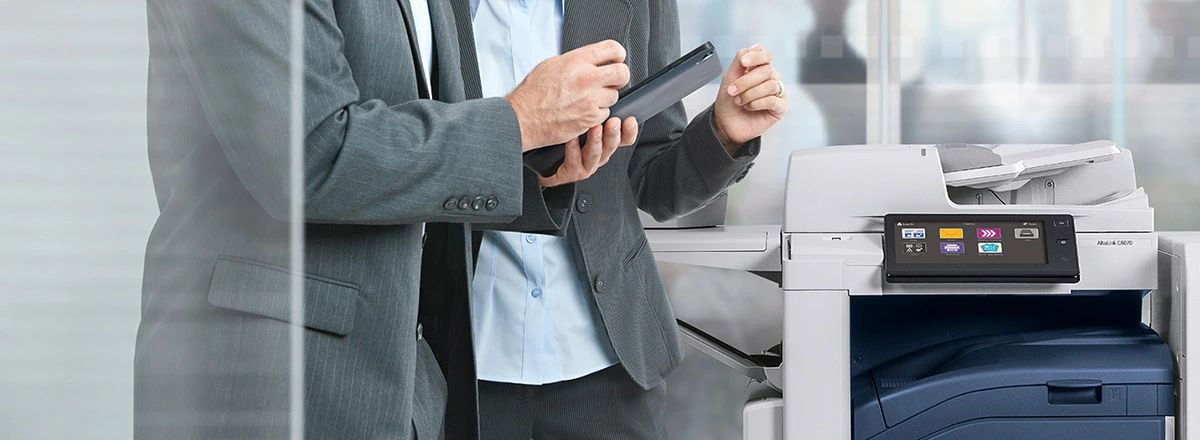

Save through the power of group purchasing
Today’s religious institutions handle an incredibly diverse array of documents every single day. We can help simplify the way you work with these documents – and your Catholic Purchasing Services affiliation can help you SAVE with SPECIAL CONTRACT PRICING.
Xerox digital printers are the workhorses of today’s office life, and they come in many forms, for every kind of business. Multifunction printers (MFPs) do it all, from printing, scanning and copying to faxing and sending emails. Customizable apps make them more akin to office assistants than digital printing equipment.
Our inkjet printers are as fast as they are easy to use, while our high-speed, high-volume digital presses are ideal for commercial printers and large intitutions.
Xerox printers deliver secure effortless printing – every time.
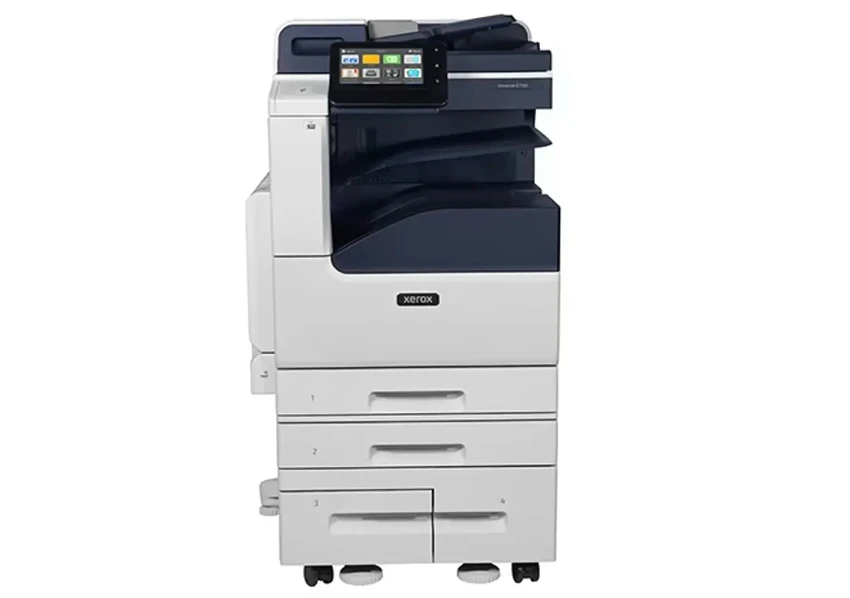
MULTIFUNCTION/ALL-IN-ONE-PRINTERS
Multitasking printing equipment that can print, scan, copy, fax and send emails.
Contract Number: 72178008
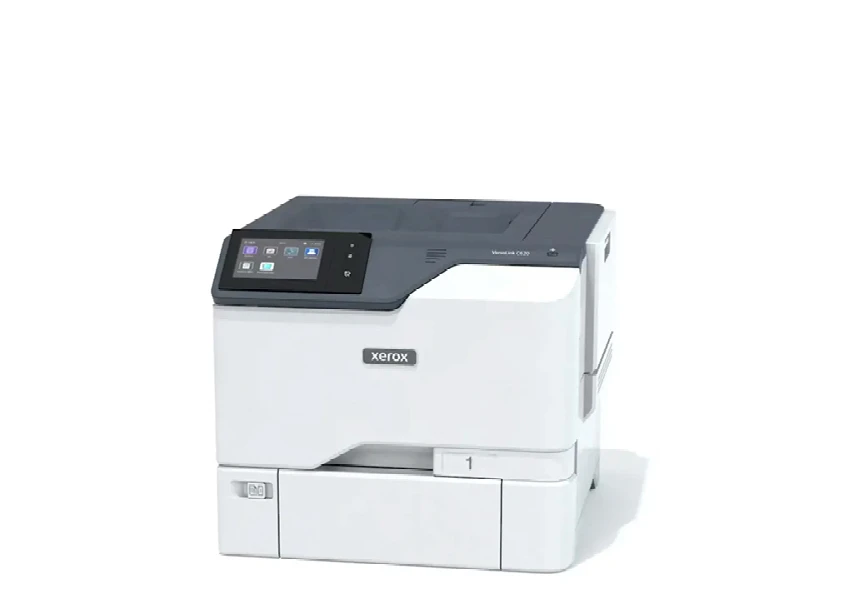
OFFICE PRINTERS
Quick and easy to use, with exceptional
print quality, too.
Contract Number: 72178008
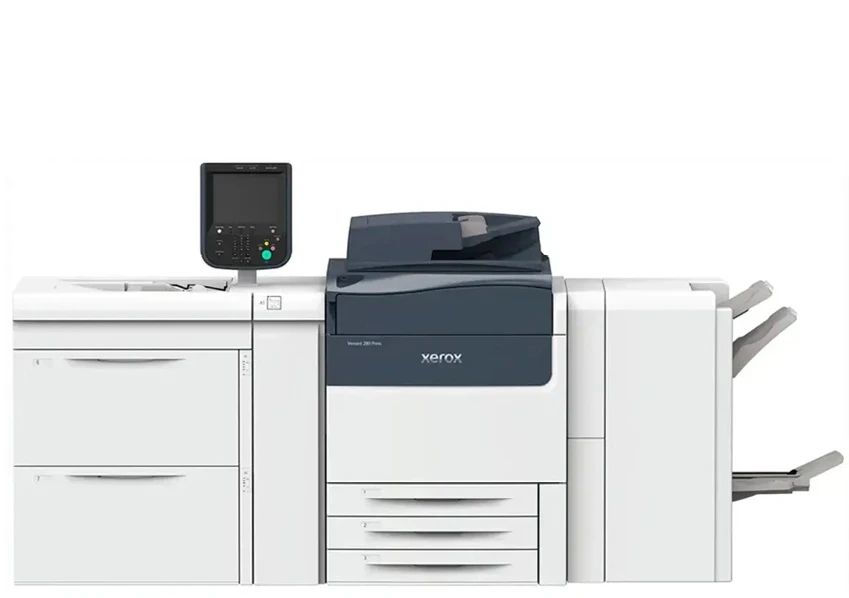
XEROX DIGITAL PRESSES
High-speed, high-volume digital printing equipment, ideal for commercial printers.
Contract Number: 010266532
When you do business with CPS and Xerox, it’s more than a transaction. It’s a partnership. Your success is our success, and we’ll work alongside you to continuously improve the way you work and help you meet your organization’s specific goals.
Affiliates get discounted pricing on the latest cost-cutting, Xerox technology and services.
To ensure you receive special pricing on printers and office products, please reference contract number 72178008.
For special pricing on production equipment and digital presses, please reference contract number 010266532.
You are considered a CPS affiliate if your organization is a faith-based, religious, or educational institution within the United States. This includes:
• Churches, temples, mosques, or synagogues
• Religious affiliated preschools, elementary schools, high schools, colleges, or universities
• Religious affiliated hospitals, hospices, or nursing homes
• Religious affiliated civic or social organizations
• Any educational institution, non-profit, for-profit, religious, private, charter or unaffiliated, excluding public schools; includes early childhood centers and daycare, elementary schools, high schools, colleges or universities
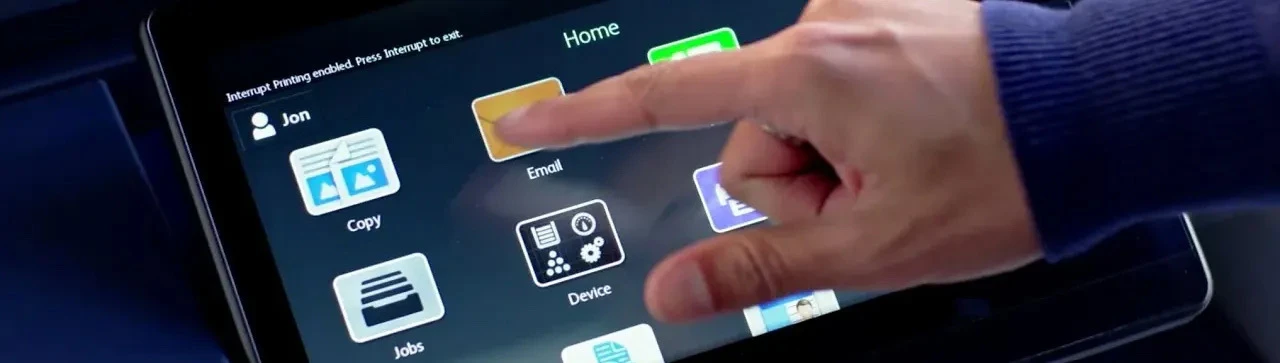
Things to Consider When Buying a Multifunction Printer
1. Know your requirements
Understand what you need the multifunction printer to do for you and your end users. Beyond printing and copying, how do you want to use the multifunction printer to help manage documents, reduce paper, simplify workflow, scan to the cloud, work remotely, etc.? How many copy, print, fax, scan and email jobs will you run each day? How many users will share the device? Will you need it to be color capable? Wireless? Mobile- and cloud-connected? There are a number of requirements to consider.
2. Know the total cost of ownership
When evaluating a multifunction printer, beware of looking only at the cost of the initial hardware. There are a number of other factors to consider, including the cost of supplies. Once ink costs are taken into consideration, inkjet multifunction printers, initially perceived as being low-cost, often turn out to have an equivalent or higher TCO than the better-performing laser multifunction printers. TCO can also increase significantly for devices that are hard to use and maintain, unreliable, or lack the features and capability to efficiently and effectively produce the results you need.
3. Know how easy it is to connect to an existing network
Consider how easily the multifunction printer system will integrate with your existing network. If your workgroup needs to print from multiple, distributed devices (smartphones, tablets, laptops, etc.) to one easily accessible location, then consider buying a wireless, or WiFi, multifunction printer. WiFi multifunction printers connect to a network without needing to be hard-wired or cabled into that network. This enables easy mobile printing, without unsightly cords to trip over.
Ready to place an order?
To begin the sales process, please reach out to us using the following contact methods:
1. Call the special Xerox-CPS ORDER LINE at 800.275.9376 ext. 277 to be connected to the appropriate Xerox Sales Representative, and MENTION CATHOLIC PURCHASING AND REFERENCE THE CORRECT CPS CONTRACT NUMBER.
2. Complete the FORM BELOW and your CPS REPRESENTATIVE will be happy to connect you with the appropriate Xerox Sales Representative.
Contact us to learn more or request a quote.